

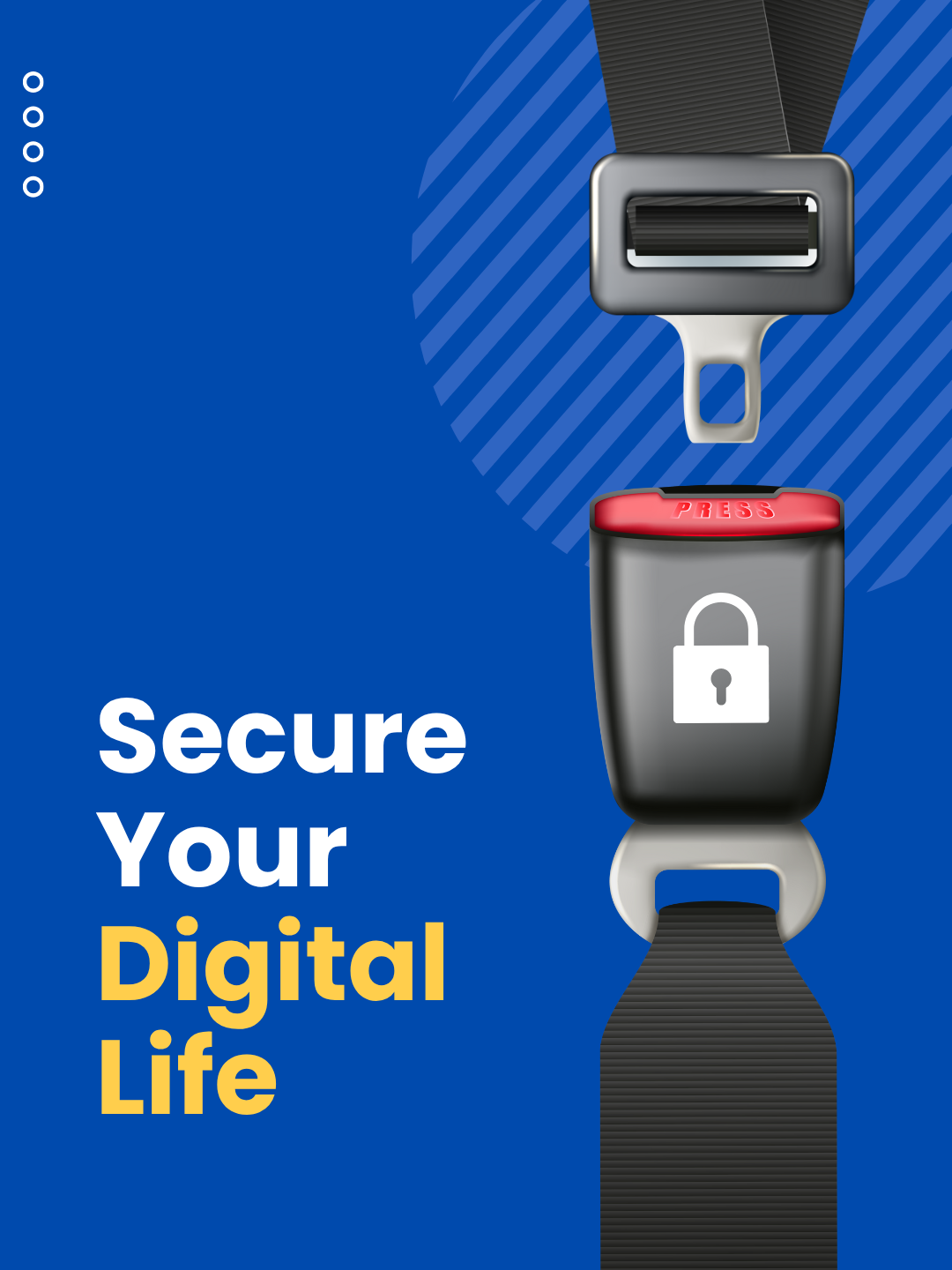
The One Button That Could Protect Your Entire Digital Life
You wouldn’t drive without clicking your seatbelt button. You wouldn’t leave your office unlocked overnight.
FREE CONSULTATION
So why go online without pressing the one button that can dramatically strengthen your security — the button that turns on multi-factor authentication (MFA)?
Think of MFA as a second lock powered by a simple tap. Passwords can be guessed or stolen, but when you activate MFA, you add a layer of protection that hackers can’t easily break through. A quick button press to confirm your login — whether through a text code, an authentication app, or a fingerprint — stops attackers who try to use your password.
Why One Button Makes All the Difference
If your password is the key that opens the door, the MFA button is what activates your alarm system.
It’s not complicated, and it doesn’t slow you down — but it dramatically reduces what cybercriminals can do with a stolen password.
You may hear MFA called “two-step verification,” “two-factor authentication,” or “one-time passcode login.” Regardless of the name, the concept is the same: after you enter your password, you tap a button that confirms it’s really you.
That quick confirmation can come in the form of:
• A text message code
• A push-notification button you tap to approve
• A fingerprint or facial recognition scan
• An authenticator app button
In other words: a hacker can steal your password, but they can’t press your button.
Real Moments When That Button Saves the Day
Pressing the MFA button takes seconds — but those seconds are often what stop an attack.
If someone tries logging in with your stolen password, MFA blocks them instantly and sends you an alert. Instead of criminals accessing your email, payroll tools, or cloud storage, you get a notification that lets you change your password before any damage occurs.
MFA also shields you from social engineering attacks. Even if an employee accidentally shares a password with a scammer, the attacker can’t get in without pressing the confirmation button on your device.
Microsoft reports that enabling MFA reduces account compromise risk by over 99.2%, and with stronger MFA methods, the rate improves to more than 99.99%.
That’s incredible protection from a single button.
Where You Should Press That Button First
Turn MFA on immediately in places that hold sensitive information:
• Financial and banking apps
• Email and cloud storage
• Social media accounts
• Work apps that contain client or business data
If it matters to your personal or professional life, the MFA button belongs on it.
How to Enable MFA (and Make the Button Part of Your Routine)
Major platforms already include MFA settings — you just activate them. Some businesses go further by using authenticator apps that add extra security without making the process harder.
The takeaway is simple: pressing the MFA button is one of the easiest, quickest, and most powerful cybersecurity actions you can take.
A few minutes today can prevent years of future headaches, lost data, and financial harm.
For a seamless rollout across your business, your best option is to work with a trusted IT provider. An experienced MSP can help you choose the right MFA method, equip your team, and ensure every login is protected.
If you want help enabling MFA or improving your cybersecurity strategy, schedule a discovery call with Quinn Tech:
Like this article? Share it!
The Best IT Support in Houston TX!
Check out our reviews to find out why!
Check out our TESTIMONIALS PAGE and you'll see we are the best choice for your IT Managed Services. We have the highest ratings in Houston Area for IT Services & Managed Services. Book a free consultation to find out how we can secure your business for you! IT Managed Services in Houston, Texas
READ MORE OF OUR ARTICLES!
If a disruption hit your business tomorrow, would you handle it with confidence? Fifteen minutes and five questions will tell you.
"Everyone has a plan until they get punched in the mouth." In business, that punch is the disruption you assumed you were ready for.

The California Gold Rush made a few people rich. It made far more people broke. The difference came down to one thing.
Compliance failures rarely start with a breach. They start with an assumption that everything is fine.
The water always looks calm on top. For Houston businesses, the real danger is what's already moving underneath.
Your Houston business hasn't stood still this year. Neither have your systems. The trouble is what got left behind along the way.
While your Houston business is firing up the grill, someone else is counting on you not to be watching. They've been waiting for this weekend all year.
AI tools are genuinely useful. They're also in every inbox, document editor, and project tool your team touches. The question isn't whether people are using them. It's whether anyone has thought through what happens when they do.
Attackers don't target your most experienced people. They target the ones who just walked in the door and haven't learned to say no yet.