

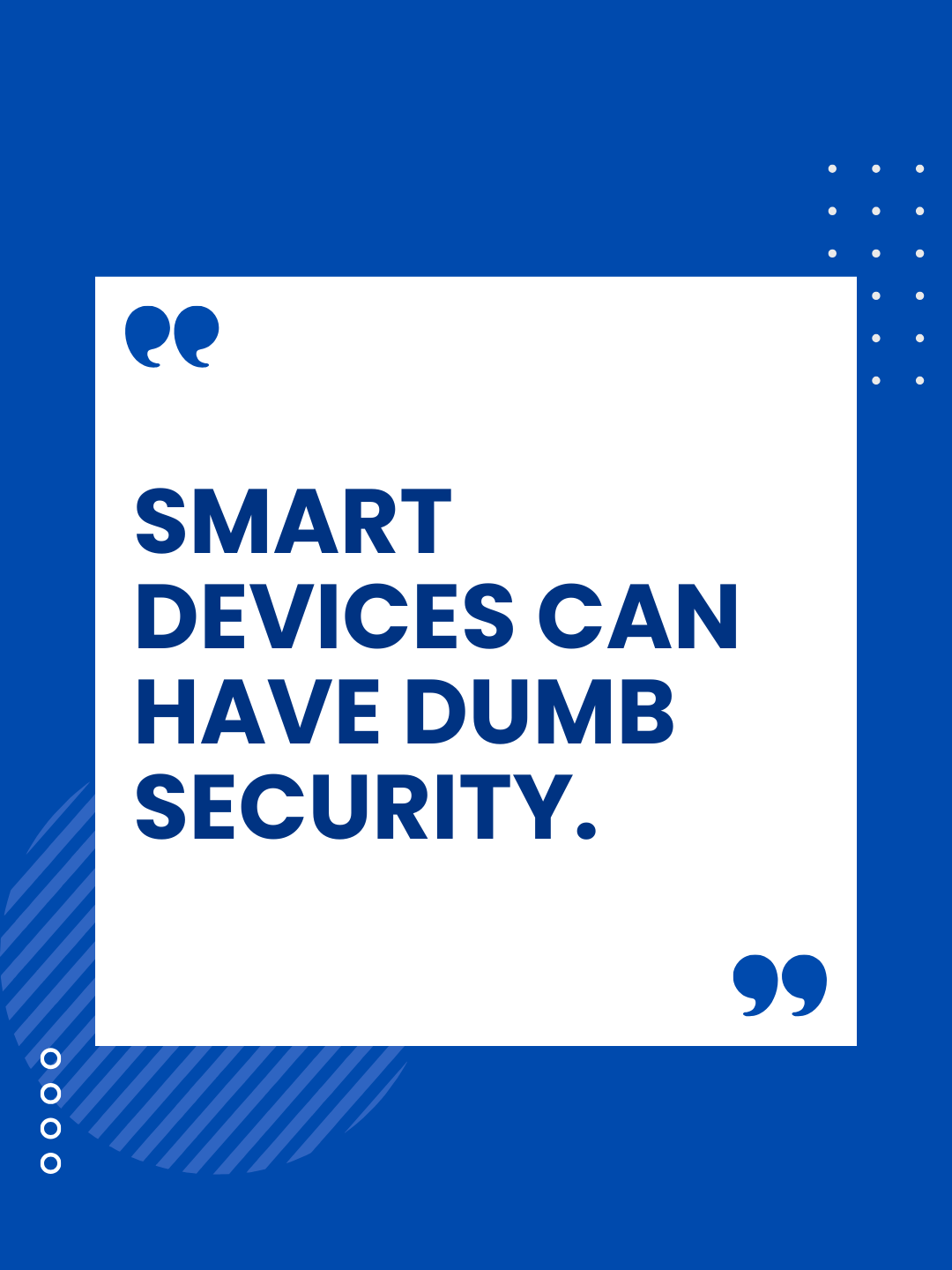
Are Your Smart Cameras Spying On You?
What To Know Before You Plug In
In 2020, a family in Mississippi woke up to a parent’s worst nightmare. Their eight-year-old daughter heard a man’s voice coming from her bedroom—but it wasn’t her father. A hacker had accessed their Ring camera and was speaking to her through the device, taunting her and playing music until her parents rushed in to unplug it.
Ring later confirmed the problem: the family reused a password that had already been exposed in a data breach.
Stories like this are unsettling, but they’re not rare. Smart cameras—and smart devices in general—are hugely popular for both homes and small businesses. For many Houston businesses, they’re an affordable way to monitor entry points, manage inventory spaces, watch the front desk, or check in after hours.
But while these devices offer convenience and peace of mind, they can also introduce serious cybersecurity risks if they aren’t set up and secured correctly.
Why Smart Cameras Can Put Your Business at Risk
Not all cameras are designed with security in mind. Many budget-friendly options cut corners, skipping essential safeguards like encryption, secure cloud storage, or regular firmware updates. Even established brands can leave you exposed if default settings are never changed.
Cybercriminals look for:
• Default usernames and passwords
• Outdated firmware
• Unsecured WiFi networks
• Unpatched security gaps
• Cameras connected to the same network as business systems
Once a hacker gets into a vulnerable camera, they may be able to view footage, steal data, or move deeper into the network. For a small business, this could lead to far more than a privacy violation—it could expose client information, financial records, employee data, or business-critical systems.
Choosing the Right Camera Matters
If you’re purchasing a new camera or evaluating the ones you already own, pay attention to features that actually protect your business.
Look for devices that offer:
• Regular and transparent security updates
• Encrypted video streams
• Multi-factor authentication for logins
• The option for local storage (not cloud-only)
• Strong manufacturer security practices
Reputable brands are worth the investment. In cybersecurity, the cheapest option usually ends up being the most expensive mistake.
Setup Mistakes That Put Businesses at Risk
Choosing a secure device is only half the equation. How you configure it matters just as much.
To protect your Houston business:
1. Change default usernames and passwords immediately.
Cybercriminals maintain lists of default logins for thousands of camera models. If you don’t change them, they already know your password.
2. Keep firmware and apps updated.
Outdated devices are one of the biggest security risks we see in small business environments.
Enable automatic updates whenever possible.
3. Segment your network.
Your smart cameras should never sit on the same network as:
• Office computers
• Payroll and accounting systems
• Client data
• Cloud apps
• POS or payment systems
Network segmentation is a core cybersecurity practice we implement for Houston businesses—it prevents a hacked device from becoming an entry point into everything else.
4. Secure your router.
Strong WiFi encryption, a strong admin password, and updated firmware are essential.
Your router is the real “front door” to your network.
Cameras Aren’t the Only Devices to Worry About
Smart doorbells, thermostats, locks, and voice assistants also connect to your network. If they’re not secured properly, they can become back doors for attackers.
The more “smart” devices your business uses, the more important it becomes to have professional cybersecurity oversight.
Smart Devices Can Make Your Business Safer—If They’re Set Up Securely
Smart cameras and IoT devices can absolutely help protect your workplace. They just need to be configured with security in mind from the start.
A few proactive steps now can prevent your cameras from becoming easy wins for hackers—and protect your business from costly breaches, downtime, and data loss.
Not Sure Whether Your Smart Devices Are Secure?
Quinn Technology Solutions helps Houston businesses review, secure, and harden their devices before attackers find the weaknesses.
👉 Schedule your free discovery call: https://go.appointmentcore.com/guest/book/PvREBR
We’ll review your setup, identify risks, and make sure your smart cameras and connected devices are helping your business—not putting it at risk.
Like this article? Share it!
The Best IT Support in Houston TX!
Check out our reviews to find out why!
Check out our TESTIMONIALS PAGE and you'll see we are the best choice for your IT Managed Services. We have the highest ratings in Houston Area for IT Services & Managed Services. Book a free consultation to find out how we can secure your business for you! IT Managed Services in Houston, Texas
READ MORE OF OUR ARTICLES!
The body content of your post goes here. To edit this text, click on it and delete this default text and start typing your own or paste your own from a different source.
Most businesses don't switch IT providers because something exploded. They switch because they slowly realized they were settling.
If a disruption hit your business tomorrow, would you handle it with confidence? Fifteen minutes and five questions will tell you.
"Everyone has a plan until they get punched in the mouth." In business, that punch is the disruption you assumed you were ready for.

The California Gold Rush made a few people rich. It made far more people broke. The difference came down to one thing.
Compliance failures rarely start with a breach. They start with an assumption that everything is fine.
The water always looks calm on top. For Houston businesses, the real danger is what's already moving underneath.
Your Houston business hasn't stood still this year. Neither have your systems. The trouble is what got left behind along the way.
While your Houston business is firing up the grill, someone else is counting on you not to be watching. They've been waiting for this weekend all year.