
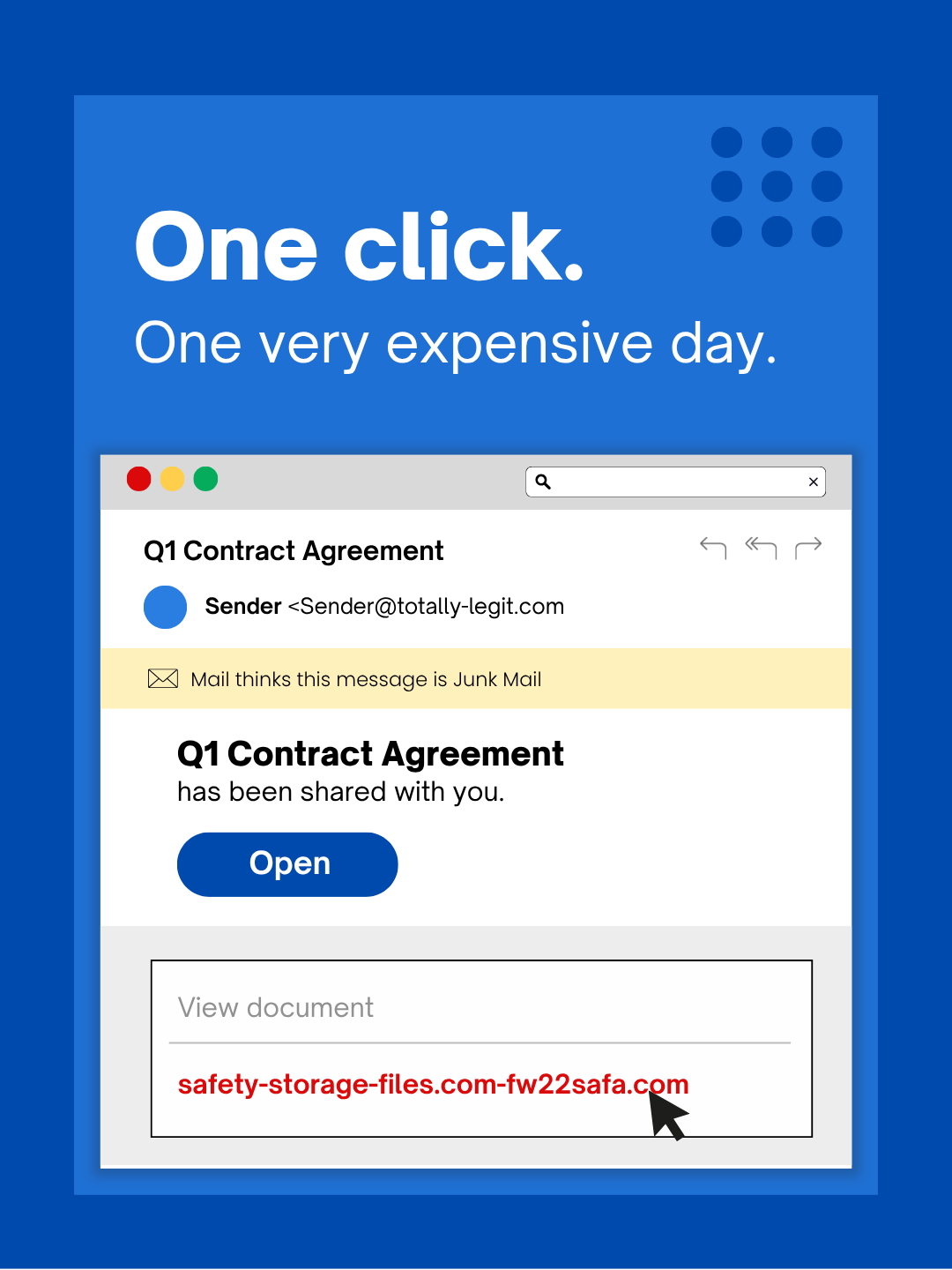
Every spring, Houston businesses get busy. Projects ramp up, teams are stretched thin, and decisions get made faster than usual. That's exactly the environment that cybercriminals count on. These attacks aren't aimed at distracted or careless people. They're engineered to fool focused professionals who are simply trying to keep their day moving. Before you forward this to your team, ask yourself one honest question: would every person in your office stop long enough to spot each one of these?
Attack #1: The Fake Toll or Parking Text
Someone on your team gets a text. It references a real toll system, maybe a local expressway service or a parking authority, and says there's a small unpaid balance due within 12 hours. The amount is something like $6.99. It's the kind of thing most people brush off as a minor annoyance and handle between calls.
The link, of course, goes nowhere legitimate.
The FBI logged over 60,000 complaints about this style of fraud in a single year, and the volume nearly doubled again in 2025. Researchers tracking these operations have found tens of thousands of lookalike domains built specifically to impersonate state and local toll agencies. A few of these texts have even landed in states where toll roads don't exist.
The reason this works has nothing to do with gullibility. A small dollar amount doesn't feel like a red flag. Most people have driven on a toll road or parked downtown recently enough that the message seems entirely believable.
What stops it: Legitimate government agencies don't collect payments through text-message links. A simple team rule, no payments ever through a text, full stop, removes the decision entirely. If someone thinks the charge might be real, they go directly to the agency's official website. And nobody replies to the message, not even to opt out, because a reply confirms the number is live and invites more.
The risk isn't the dollar amount. It's the card number entered to pay it.
Attack #2: The File-Share Notification
This one fits so naturally into daily work that it barely registers as a threat.
An employee gets an email saying someone shared a document with them. It could be a contract, a spreadsheet, or an onboarding form. The sender's name looks right. The email is formatted exactly like every other notification they get from DocuSign, OneDrive, or Google Drive. They click, land on a login page, and enter their credentials without a second thought.
At that point, someone else has those credentials. And if your team uses single sign-on, that one login might open the door to your entire cloud environment.
The newer versions of this attack are harder to detect because the notification actually does come from Google's or Microsoft's servers. Attackers create a file inside a compromised account and use the platform's real sharing feature to send it. Your spam filter won't catch it because, technically, it isn't spam.
What stops it: Train your team to never click the link inside a file-share email for something they weren't already expecting. Instead, open a browser tab and log into the platform directly. If the file is real, it'll be waiting there. On the IT side, restricting external sharing permissions and setting up alerts for unusual login activity, including logins from outside Texas, takes about fifteen minutes to configure and significantly shrinks your exposure.
The habit is boring. The protection it provides is not.
Attack #3: The Email That Sounds Like an Insider
Remember when phishing emails were easy to catch because of bad grammar or weird formatting? That tell is gone.
AI-written phishing messages now achieve click rates four times higher than anything a human scammer could craft manually, according to recent academic research. These emails reference real people, accurate job titles, and specific internal workflows. All of it is pulled from LinkedIn profiles and company websites in seconds. They don't look like scams. They look like a normal Tuesday morning in your inbox.
The newest variation is departmental targeting. Your HR team gets fake employee verification requests. Whoever handles your accounts payable gets a vendor payment redirect. In a recent simulation, nearly three quarters of employees engaged with a vendor impersonation message. That rate is dramatically higher than with other attack types. The tone is professional, calm, and just urgent enough to feel like something that needs handling now.
What stops it: Any request touching credentials, payment routing, or sensitive data gets confirmed through a separate channel before anyone acts on it. That could be a phone call, a direct message, or a quick walk down the hall. Before clicking any link in an unexpected email, hover over it and check whether the sending domain actually matches the organization it claims to be from. And when a message creates urgency, treat the urgency itself as the warning sign. Legitimate requests can survive a two-minute verification call.
Real security doesn't require anyone to panic.
The Underlying Pattern
All three of these attacks succeed for the same reasons: they look familiar, they feel low-stakes, and they're timed to hit when people are already moving fast. The threat isn't a careless employee. The threat is any system that assumes everyone will always slow down and make the perfect call under pressure.
If a single rushed click can derail your day, that's not a people problem. It's a process problem. And process problems are fixable.
We're Here When You're Ready
Most Houston business owners aren't looking to turn this into a new internal initiative. They just want to know that their team isn't quietly exposed to something preventable.
If you're wondering what your organization might be dealing with, or you know another owner in the Houston area who should be asking the same question, we're happy to have a conversation. We'll talk through the kinds of risks we're actually seeing right now, where the gaps tend to hide inside everyday workflows, and practical ways to reduce exposure without slowing your team down.
No pressure. No scare tactics. Just a straight conversation. Call us at 281-817-7130 or book a quick discovery call.
And if this isn't something you're dealing with right now, feel free to pass it along to someone who might be. Sometimes the difference between a successful attack and a close call is simply knowing what to look for.
Not sure where your biggest security gaps are? Let's find out together. We'll walk through your current setup and help your Houston team get ahead of these threats before someone on your staff becomes a statistic.